Native macOS app

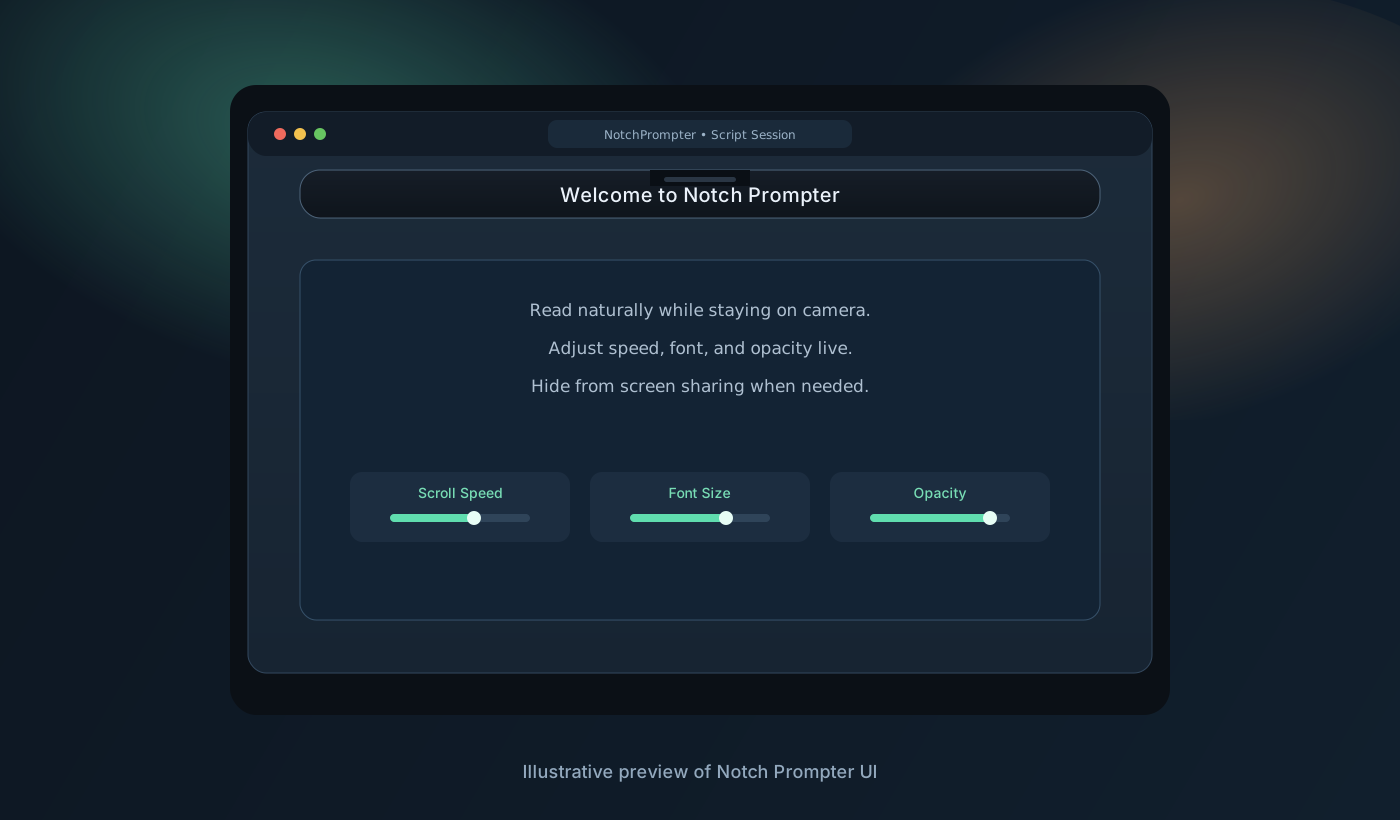
Read naturally while staying on camera.

Notch Prompter keeps your script where your webcam is. It is lightweight, private, and built for fast-paced calls, demos, and video recordings.
Loading latest release details...

Notch Prompter sample UI preview
Sample preview of the notch-aligned teleprompter layout

Notch-aligned reading

Script sits close to your camera line for better eye contact and fewer obvious glance shifts.

Live controls

Adjust speed, font size, and playback from anywhere with global keyboard shortcuts.

Privacy by design

Enable hide-from-screen-share mode so your prompter does not appear in recordings or meetings.

What this gives you

Confident delivery, less cognitive load.

  • Keep your key points visible without memorizing scripts.
  • Stay focused during investor pitches, sales demos, and tutorials.
  • Use one app that feels native and does not depend on cloud services.

How it works

  1. Paste your script into the editor window.
  2. Tune speed, width, height, and opacity.
  3. Play from your menu bar while presenting.

Installation

Install in 4 steps

  1. Download the latest .dmg using the button above.
  2. Open the DMG and drag NotchPrompter.app into Applications.
  3. Launch the app from Applications.
  4. Grant Accessibility permission when prompted to enable global shortcuts.

macOS 13+ required.